01 / Plan your visit
Planning a Kanata North workplace visit
For a workplace around March Road, Terry Fox Drive or Innovation Drive, include the postal code for the office where the device will actually be. Note any reception check-in or visitor parking arrangement. If you move between home and work, settle the visit location before choosing a time.
Area orientation: City of OttawaMake workplace access part of the request
If the device is at an office, mention reception procedures, visitor registration, parking restrictions and a contact on arrival. You do not need to send access codes. A company-managed device may also need approval from your IT team before hardware changes or software work. Explain those restrictions when asking about the repair.
Describe the interruption, not just the damage
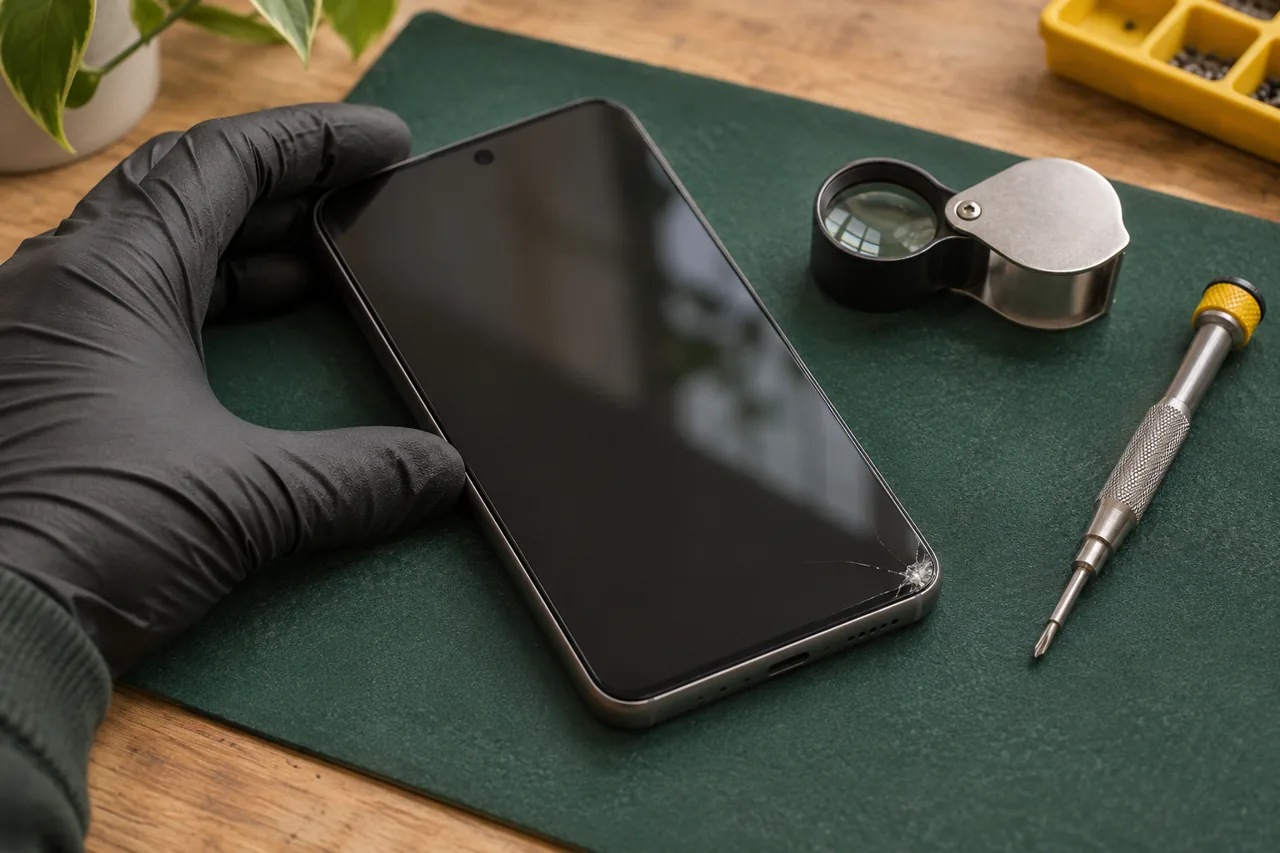
Tell us whether the screen is unreadable, calls cut out, charging is inconsistent or the laptop stops during a task. Include the exact model if you can find it. A photo of visible damage can help, but keep customer records, notifications and other private information out of the image. Different symptoms may require different parts or assessment.
Keep your appointment realistic
Share any meeting, school pickup or building-access cutoff that limits your availability. Coverage, parts and the schedule must be checked for your request; a preferred time is not a confirmed booking. If the device cannot be assessed or repaired in the proposed setting, discuss the next step before agreeing to a visit.
02 / What to include
Make your request useful.
- 01
Exact model and a short description of the fault.
- 02
Kanata postal code, preferred time and access restrictions.
- 03
IT approval requirements for a work-owned device.
Questions for your area
Can I request a visit to my Kanata workplace?
Yes, you can request it. Send the postal code, device details and visitor requirements so suitability and availability can be confirmed. Check your employer’s device and visitor policies first.
Should I send my device password?
No. Send the model and symptoms, not passwords, passcodes or confidential documents. Any access needed for assessment should be discussed directly before work begins.
Is my preferred appointment time guaranteed?
No. Timing depends on the job, parts, your location and the schedule. Wait for an explicit confirmation before changing your plans.