01 / Plan your visit
A laptop at home or at your Nepean workplace?
For a proposed visit around Woodroffe Avenue and Hunt Club Road, include the postal code of the place where the laptop will be available. A home address and an office address need different access planning. For a work-managed device, check the repair approval process with your IT contact before arranging access.
Area orientation: City of OttawaSeparate symptoms from assumptions
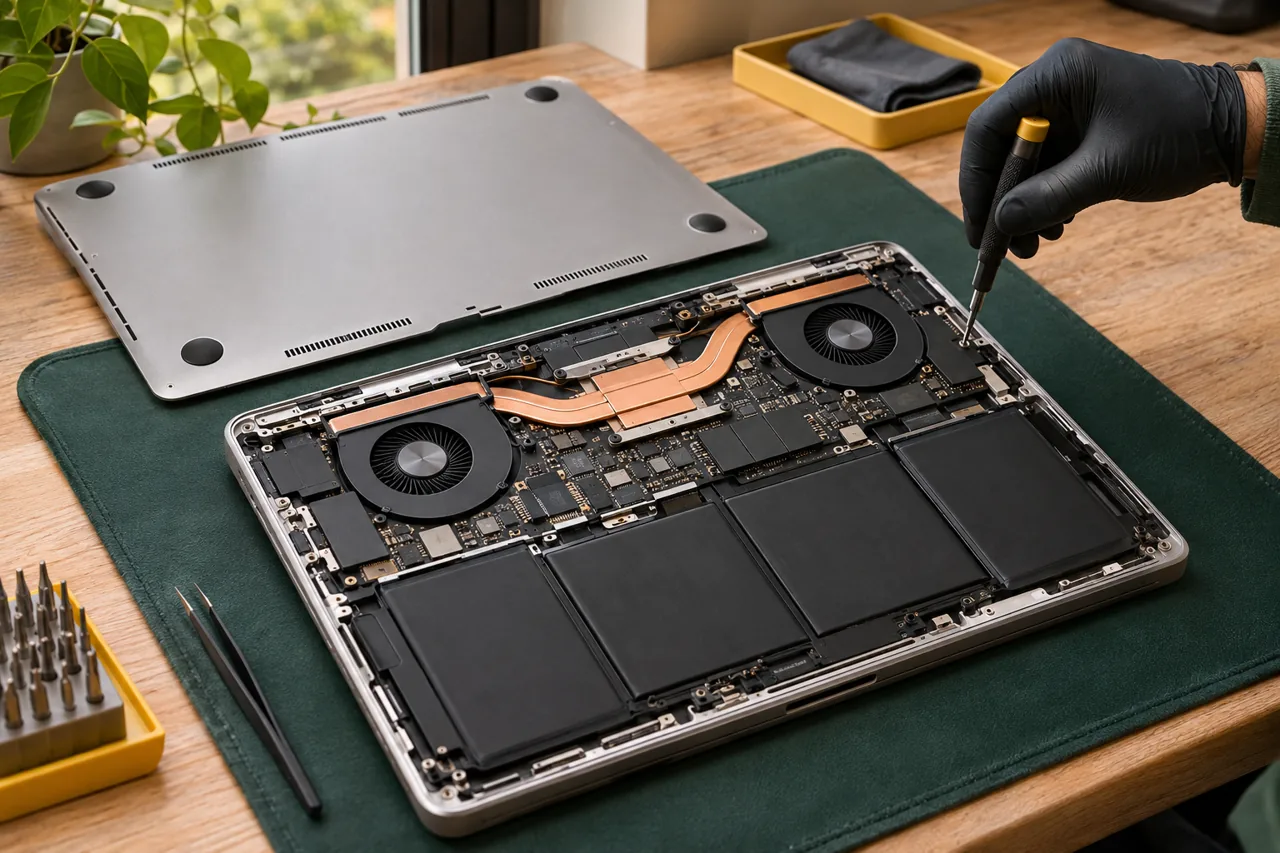
For a laptop, describe whether it powers on, shows an image, reaches the sign-in screen or stops during a particular task. Include any error message in your own words or a photo with personal information hidden. Slow performance, an unreliable keyboard and a damaged screen need different assessments, even when they affect the same daily task.
Explain your data and software boundaries
Mention if the device contains work files, specialist software or an employer-managed account. Do not send files, login details or recovery keys with the first enquiry. Make it clear if software changes require IT approval. Repair suitability and any effect on existing data should be discussed before you approve the proposed work; recovery cannot be assumed.
Plan around your next essential task
If you have a deadline, an online appointment or a presentation, explain it when requesting availability. This helps set expectations, but does not guarantee completion before that deadline. Send the exact model and postal code so parts and the proposed location can be checked. Wait for confirmation before treating the visit as booked or relying on a repair outcome.
02 / What to include
Make your request useful.
- 01
Model, startup behaviour and any visible error message.
- 02
Nepean postal code and any genuine scheduling deadline.
- 03
Work-device restrictions and data priorities, without credentials.
Questions for your area
Can a slow laptop be assessed without assuming it needs new parts?
Yes, you can request an assessment based on the symptoms. The cause and suitable next step depend on the device and cannot be established from the word “slow” alone.
Can I request help with an employer-owned laptop?
Mention ownership and check your employer’s repair policy first. Required permissions, device access and the proposed work need to be agreed before intervention.
Will my files definitely be preserved?
No outcome should be assumed before assessment. Explain which data matters and discuss backup status and the proposed work directly before giving approval.