01 / The symptoms
Does this sound familiar?
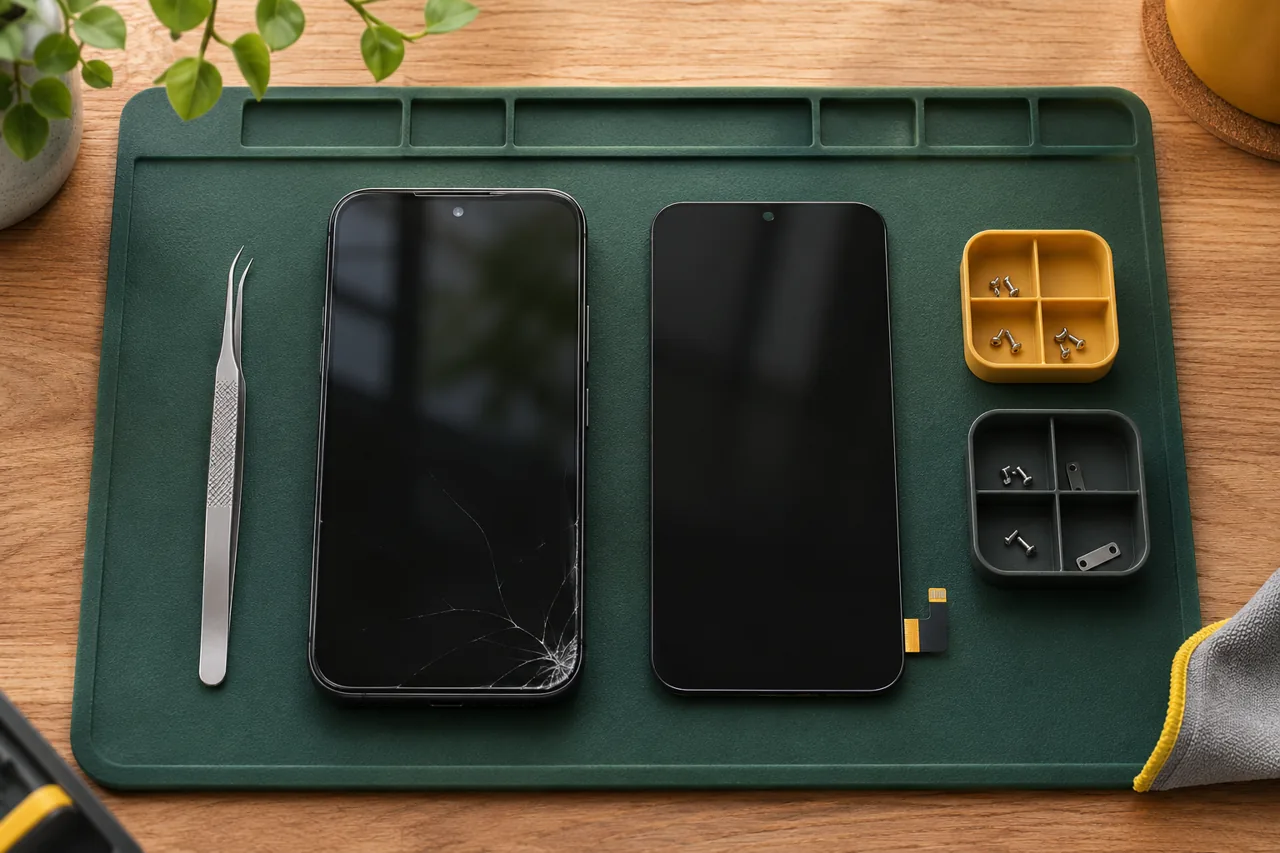
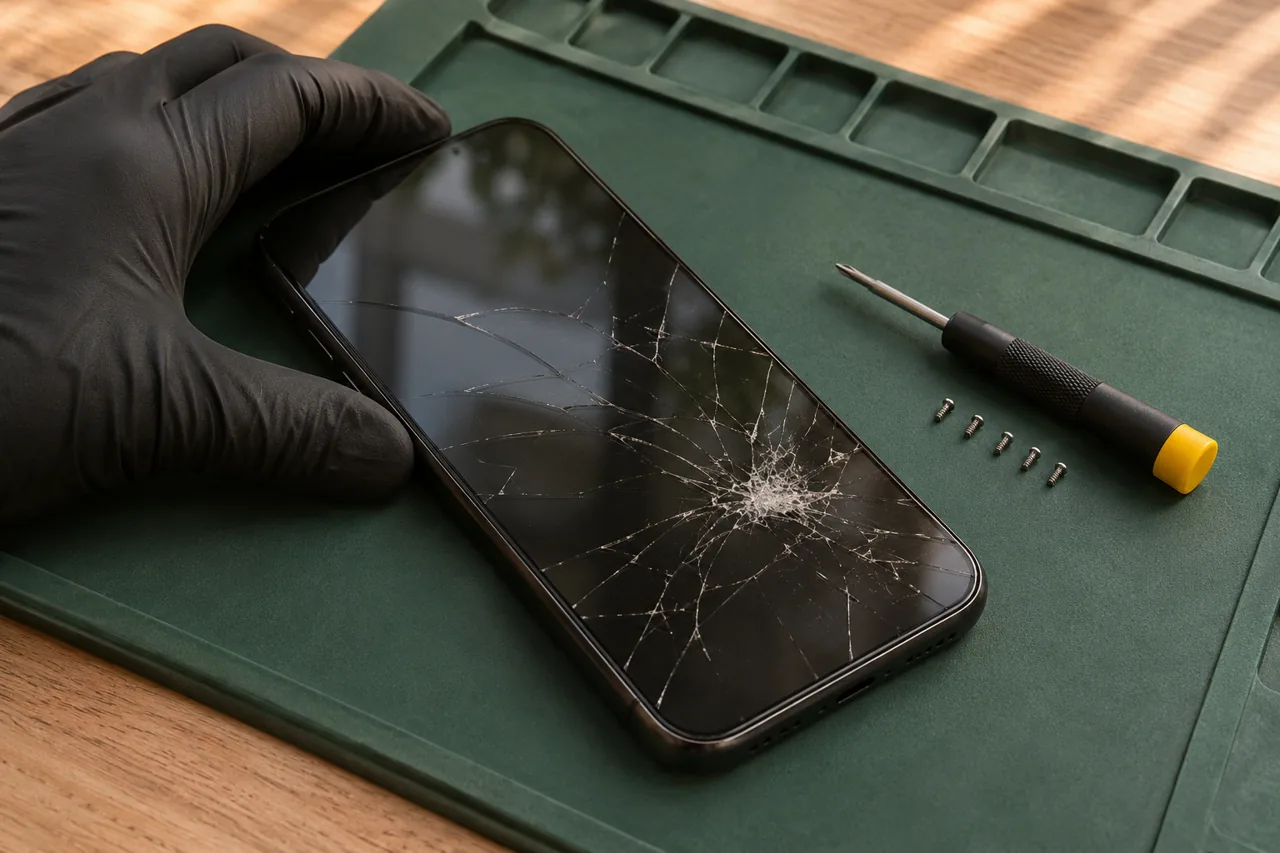
- Cracked glass or unreliable touch
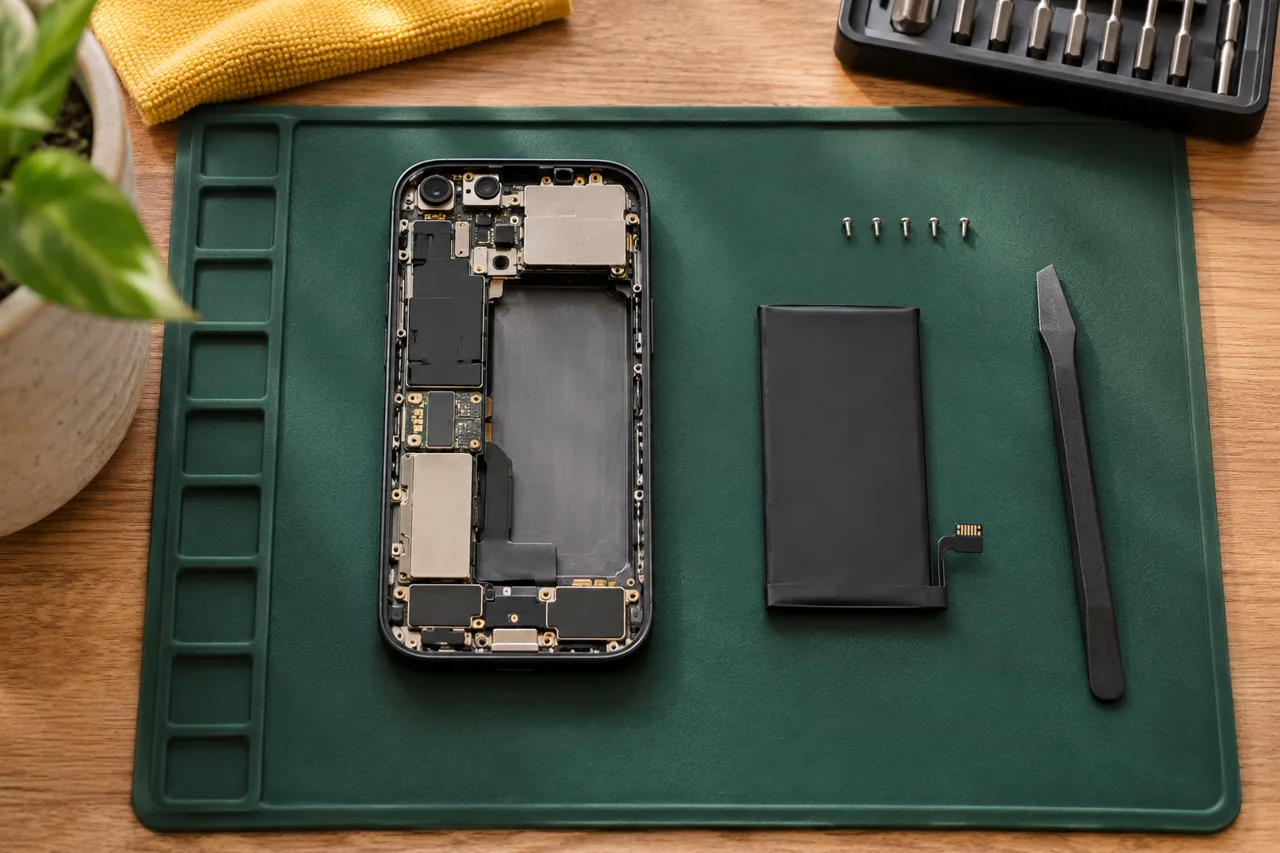
- Battery draining or unexpected shutdowns
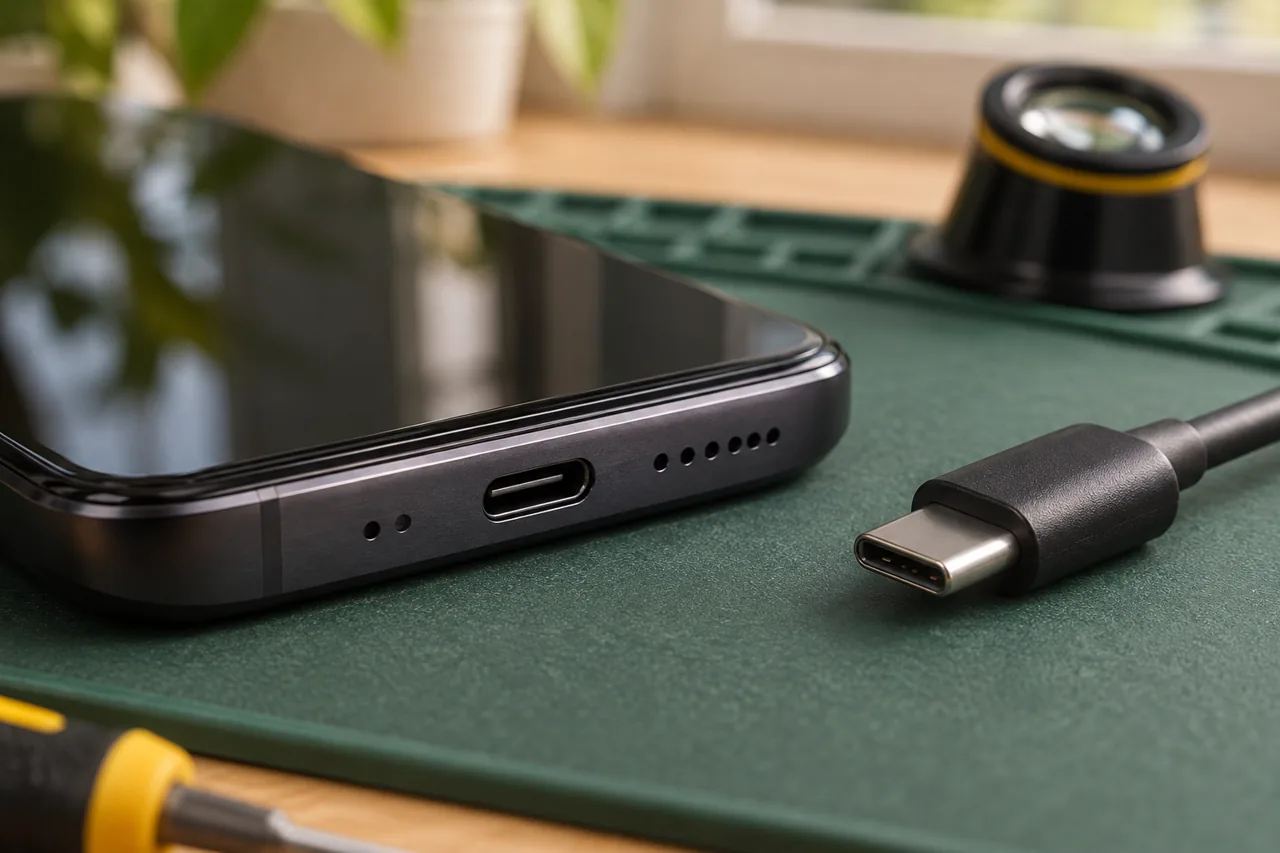
- Charging that cuts in and out
- A black screen after a drop
02 / Before you decide
Start with the model, not a guess
The iPhone name, model number and symptoms help narrow the assessment. If the display still works, find the model under Settings, General, About. If it does not, share whatever model information you have and a description of what happened.
Separate the visible damage from the fault
Broken glass may be only one part of the problem. Mention lines, dark patches, touch issues, charging behaviour and any liquid exposure. We discuss what needs checking before recommending work, rather than treating every dropped phone as a screen-only repair.
Confirm the practical details before a visit
Repair options and the quote depend on the model, condition and required parts. Visit availability also depends on your location and the schedule. Share your postal code and preferred time window so the next step can be agreed before you rearrange your day.
03 / Prepare your request
Three useful details.
- 01
Send the iPhone model, symptoms and Ottawa postal code.
- 02
Back up accessible data before an assessment where possible.
- 03
Keep your Apple Account password private; ask which access is needed.
Questions about this repair
Can you quote from a photo?
A photo helps show visible damage, but cannot confirm internal faults. Send it with the exact model and symptoms; the final scope needs an assessment.
Is every iPhone model repairable?
Model support and parts availability must be checked. Share the exact model before booking; some damage may require a different repair route.
Will my data stay on the phone?
Data preservation cannot be guaranteed. Tell us if the data is your priority and back up what you can before any work is agreed.
Can you come to my address today?
Send your postal code, model and issue. A visit is confirmed only after location, parts and schedule have been checked.