01 / The symptoms
Does this sound familiar?
- Charging starts and stops
- Cable connection feels loose
- The device shows no charging response
- A charging warning or connection message
02 / Before you decide
Record what happens with power connected
Tell us whether a charging symbol appears, the connection drops or the device responds only in certain positions. Include any on-screen warning and whether the fault followed a drop or liquid exposure. These observations guide the assessment without assuming the connector itself is defective.
Assess the complete charging path
The connector is one part of a larger system. The charging equipment, battery and internal components may also need checking. Share which charger you normally use and any troubleshooting already attempted. Do not commit to a port replacement before the cause and proposed work are explained.
Check repair suitability before booking
Charging assemblies and repair methods vary by phone or laptop model. Some faults require a different service arrangement from a simple component replacement. Send your model and Ottawa postal code so support, required parts, the quote and the available schedule can be checked before confirming a visit.
03 / Prepare your request
Three useful details.
- 01
Send the full model and describe the charging behaviour precisely.
- 02
Have your usual charger and cable available for the assessment.
- 03
Mention liquid exposure, drops, warnings and any previous charging repair.
Questions about this repair
Do I definitely need a new charging port?
Not necessarily. Similar symptoms can come from charging equipment, the battery or internal damage. Assessment should establish the cause first.
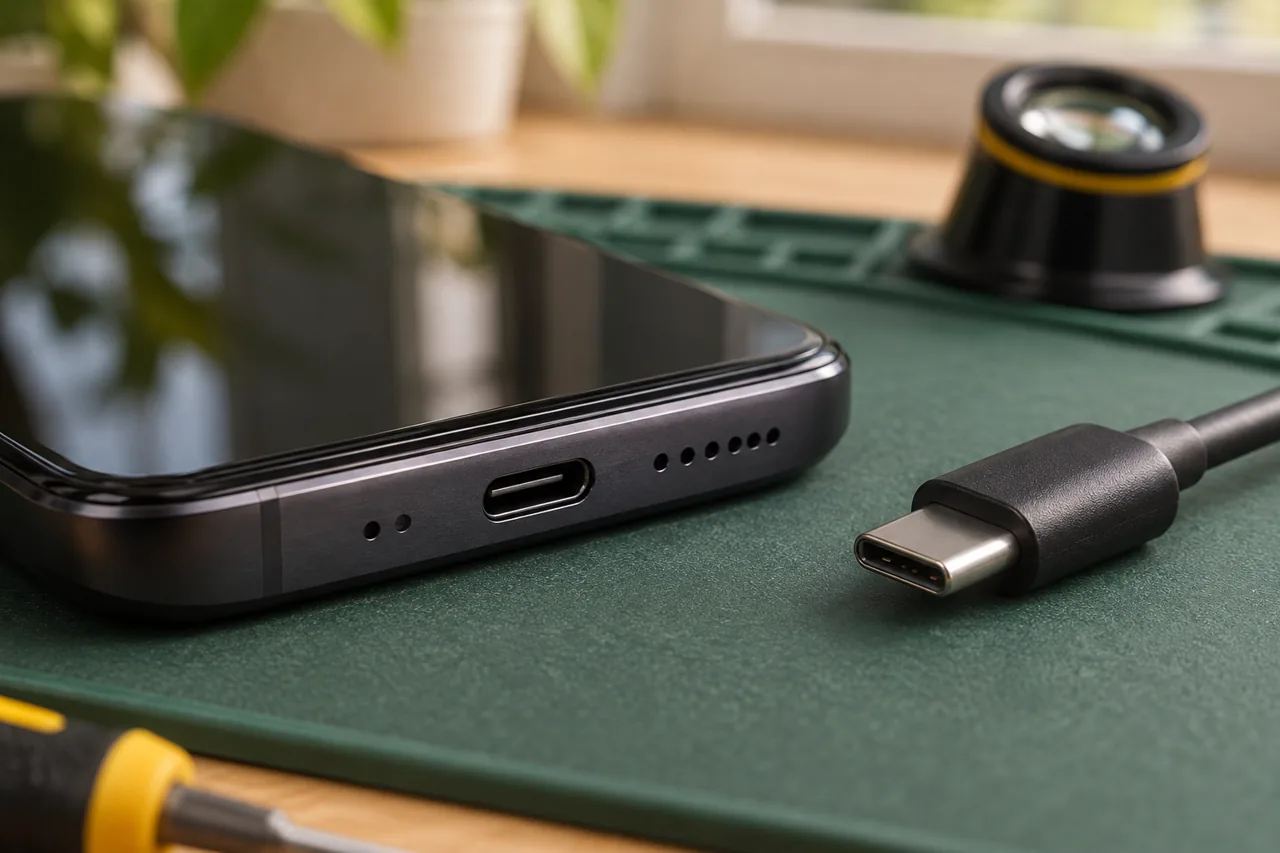
Can you assess USB-C and other connectors?
Share the exact phone or laptop model. Connector type alone does not establish repair support or the replacement part required.
Can a charging problem affect data access?
A device that cannot power on may prevent file access. Tell us if the files are your priority; data recovery is not guaranteed.
What is needed before a visit is confirmed?
The model, symptoms, location and suitable repair route must be checked. Parts and the schedule determine availability and expected timing.