01 / The symptoms
Does this sound familiar?
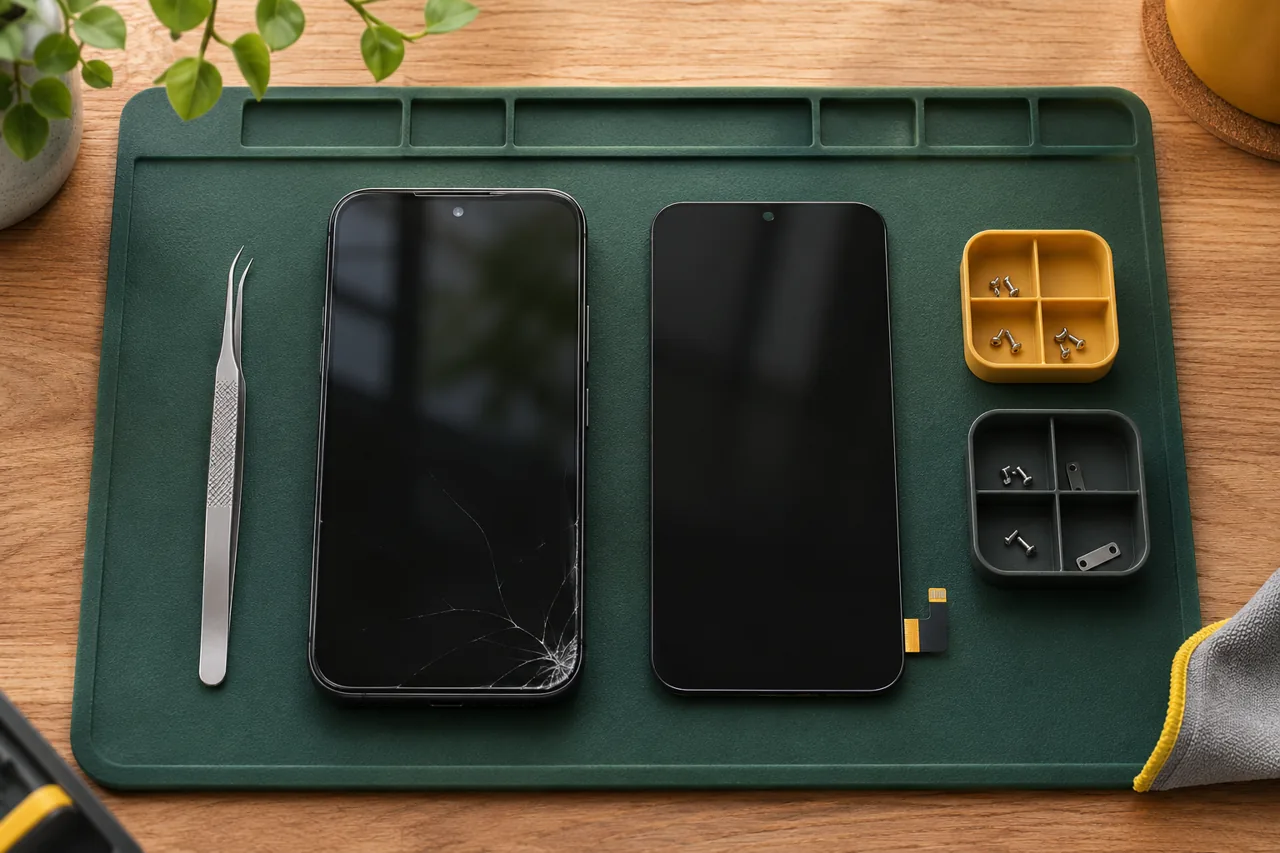
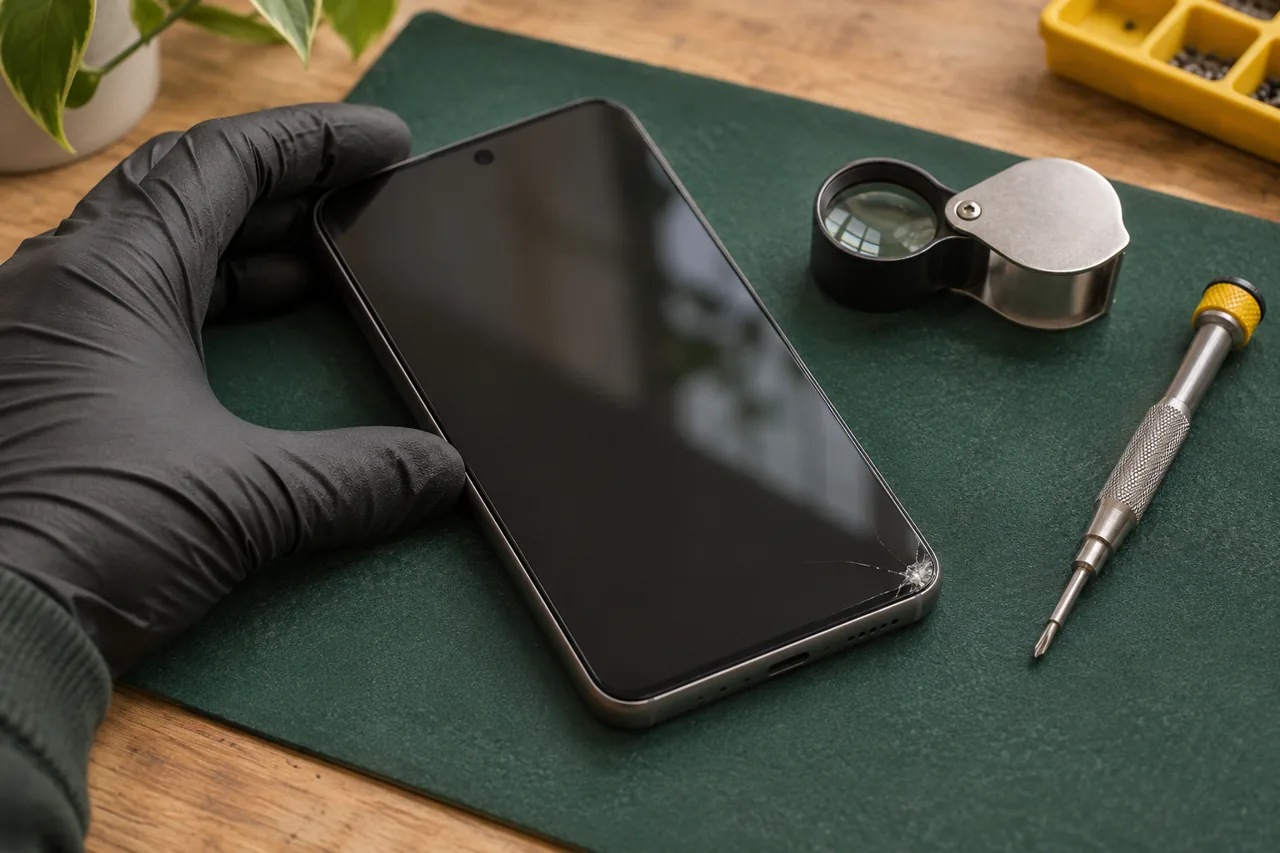
- Cracked screen, lines or dark areas
- Touch input missing or inconsistent
- Unusually short battery life
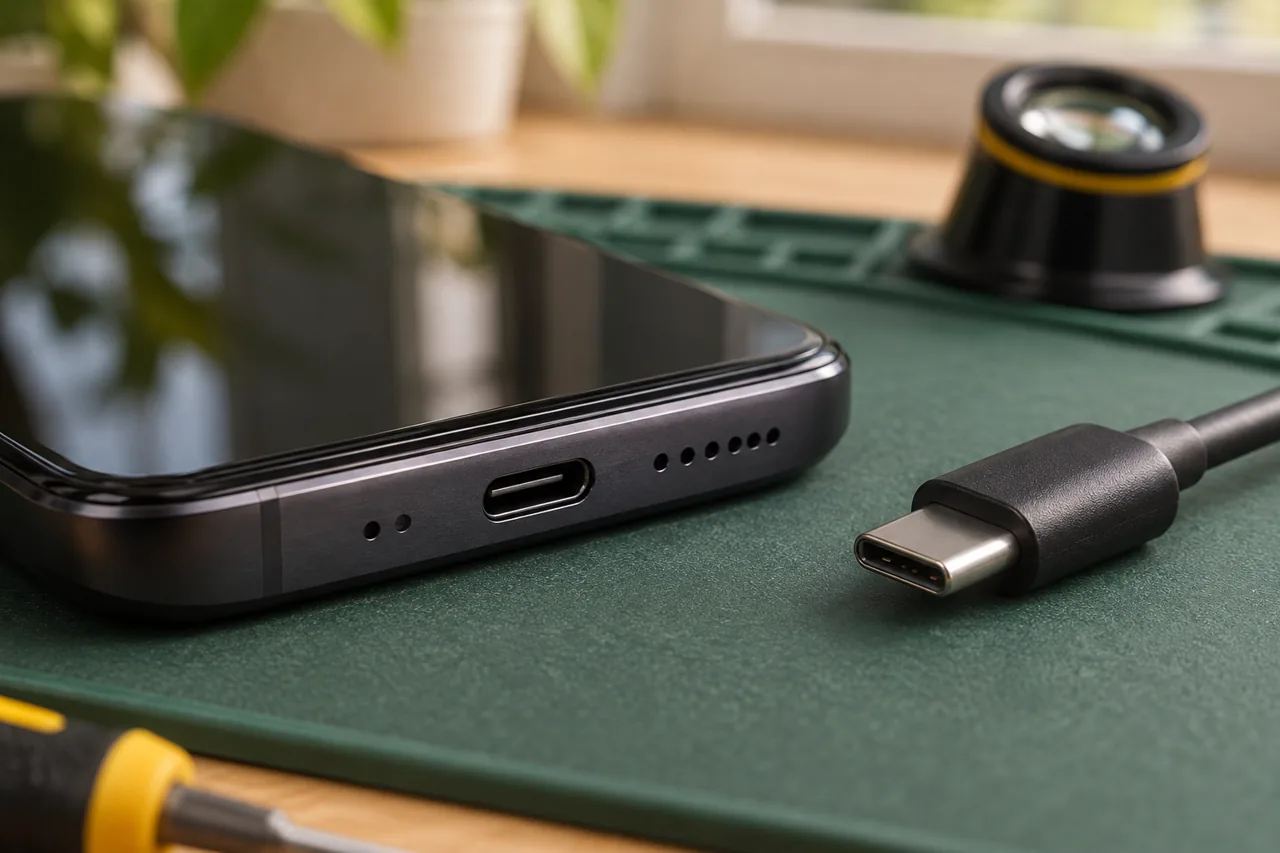
- Cable charging no longer reliable
02 / Before you decide
Identify the exact Galaxy variant
An S-series, A-series or another Galaxy device needs its own parts check. Find the model number under Settings, About phone when possible. Include the number beginning with SM if shown; the marketing name alone may not identify the correct part.
Describe what the phone still does
A phone that rings with a black screen is different from one showing no sign of power. Note whether it makes sounds, responds to touch or shows a charging symbol. This helps plan the assessment without promising a replacement component will solve an unconfirmed fault.
Agree on parts and visit arrangements
The repair route, quote and timing depend on your Galaxy model and condition. Parts must be checked before confirming a visit. Include your Ottawa postal code, an available time window and any building access details so practical arrangements can be discussed together.
03 / Prepare your request
Three useful details.
- 01
Send the complete Galaxy model number and a short fault description.
- 02
Mention previous repairs, drops or liquid exposure.
- 03
Back up accessible files and keep account passwords private.
Questions about this repair
Do all Galaxy screens use the same replacement?
No. Model and variant matter. The correct component and available options need to be checked before a quote or booking is confirmed.
Can you assess a foldable Samsung?
Share the exact model and damage first. Foldable support is not assumed, and a specialist repair route may be more suitable.
Is a black display always a screen fault?
No. Power, charging or internal damage can also affect the display. An assessment is needed to identify the cause.
What should I send to check availability?
Send the model number, symptoms, postal code and preferred visit window. Parts, location and schedule determine availability.