
Laptop repair
Slow Laptop in Ottawa? Build a Clear Assessment Request
By Shahroz · · 4 min read
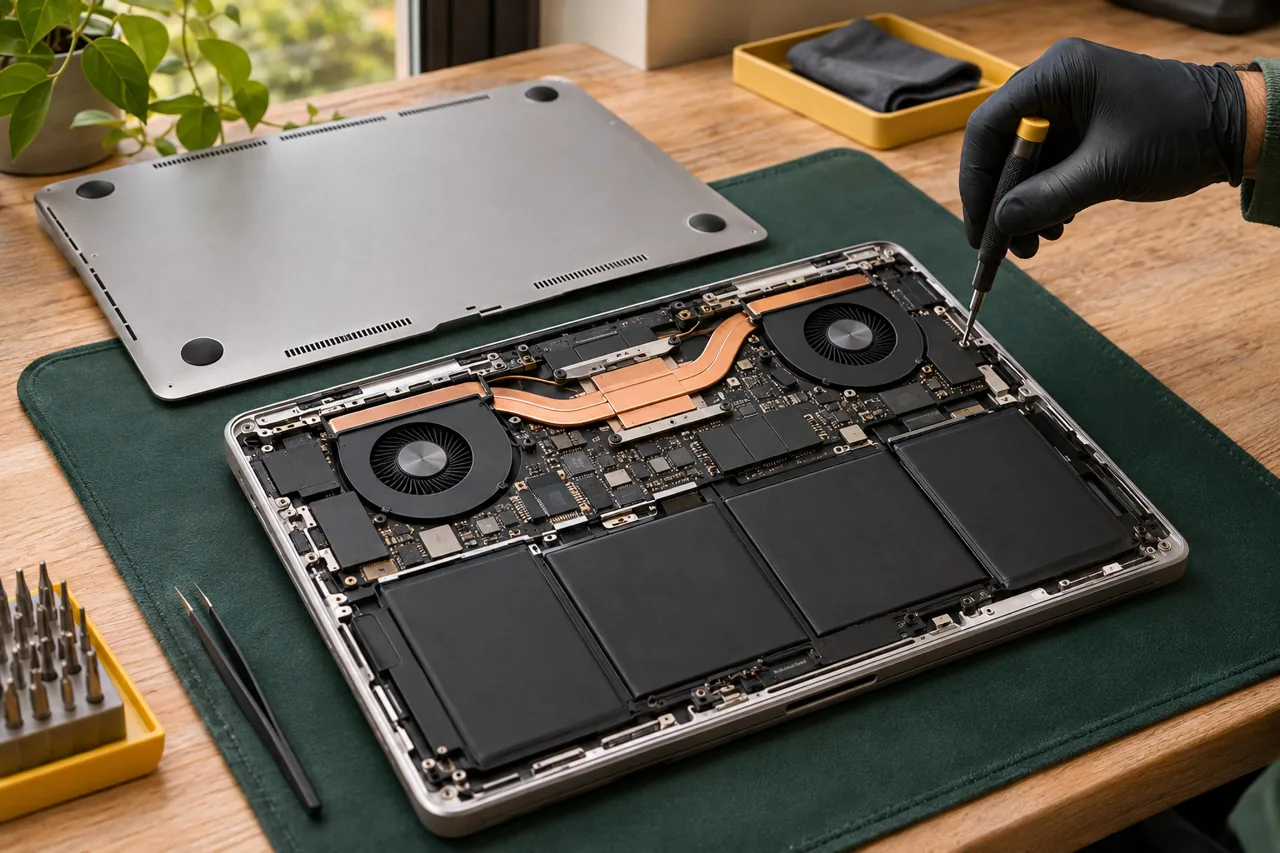
Repair illustration. Not a completed customer job.
Quick answer
Share the laptop make and full model, explain when it is slow, and include any error messages or recent changes. Discuss an assessment before choosing an upgrade or reset. The suitable work, compatible parts and data arrangements depend on the particular laptop and problem.
Describe the slowdown in everyday terms
A slow laptop can mean a long wait before the desktop appears, one application becoming unresponsive, delays during calls or a problem that begins after extended use. Describe the task you are trying to complete and the point at which it becomes difficult.
Explain whether the issue started suddenly or developed over time. Include any recent change you know about, such as a new application, update or accidental damage. These observations help prepare an assessment without pretending they establish the cause.
Include the information that identifies the device
Send the make and full model from the device label or information you already have. Include the operating system if known and the exact wording of any error message. A clear photo of an error can help, provided it does not reveal private files or account information.
- The application or task affected, and whether other tasks work normally.
- When the problem occurs and how consistently it happens.
- Any unexpected shutdown, warning or other symptom you have observed.
- Previous repairs or upgrades that may be relevant.
Avoid choosing the remedy before the assessment
A reset, cleanup, memory change and storage upgrade are different proposals. Ask what findings support the proposed work and whether it is appropriate for your model. Not every laptop supports the same parts or upgrade options.
Discuss what the proposed change is intended to address and which concerns it does not cover. A useful explanation connects the work to the assessed problem rather than promising a universal speed increase.
Agree on files, software and permission
Explain which files and applications you need. Back up accessible information where possible and say if you do not have a current backup. Ask whether any proposed work could affect files, installed software or settings before approving it.
For a workplace or managed device, check who can authorize repairs or system changes. Your IT team may need to arrange access or provide instructions. Keep passwords private and discuss a suitable way to perform agreed checks.
Plan an assessment at your Ottawa location
Include your postal code, preferred time window and charger details in the enquiry. Ask whether the issue is suitable for assessment at your location and what equipment or access is needed. Some work may require another arrangement.
The quote, parts and timing are confirmed for the assessed problem. Prepare your request on the quote page or call 343-703-6000 to discuss the next step. Sending an enquiry does not reserve a visit.
Quick questions
- Does a slow laptop always need an SSD or more memory?
- No particular upgrade should be assumed from the word slow. Ask for an assessment of the symptoms, your workload and the compatible options for the model.
- Should I reset the laptop before asking for help?
- Discuss the symptoms and your files first. A reset is a separate decision that can affect software and data; it is not a required starting point for an enquiry.
- Will a repair or upgrade keep all my files?
- Data preservation cannot be guaranteed. Explain your backup situation and ask what the proposed work involves before approving any change.
Need this fixed in Ottawa?
Share your device model, symptoms and postal code. Confirm assessment, quote scope, parts and visit availability before travel.